PDF Tools: Image to PDF, Merge
Image to PDF, merge PDF, compress & PDF to image — all PDF tools in one app
Visual Showcase


About PDF Tools: Image to PDF, Merge?
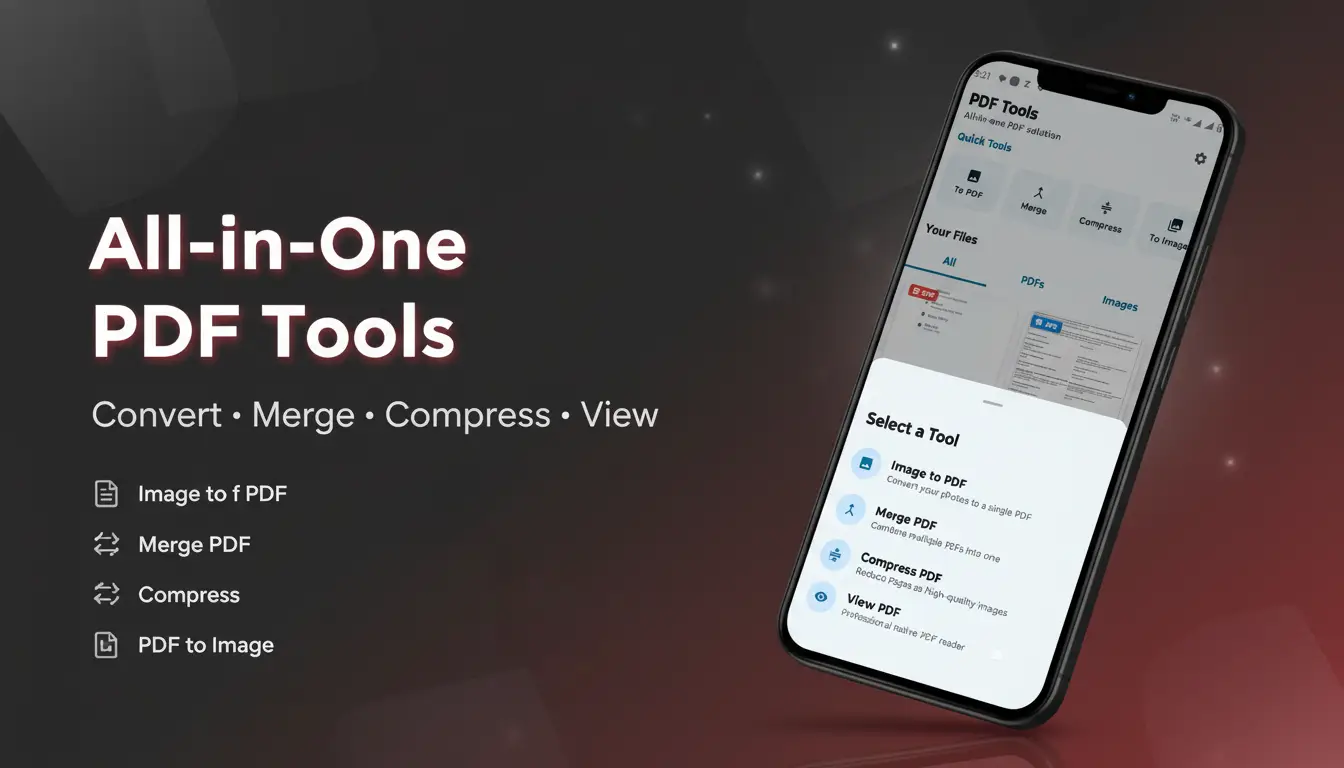
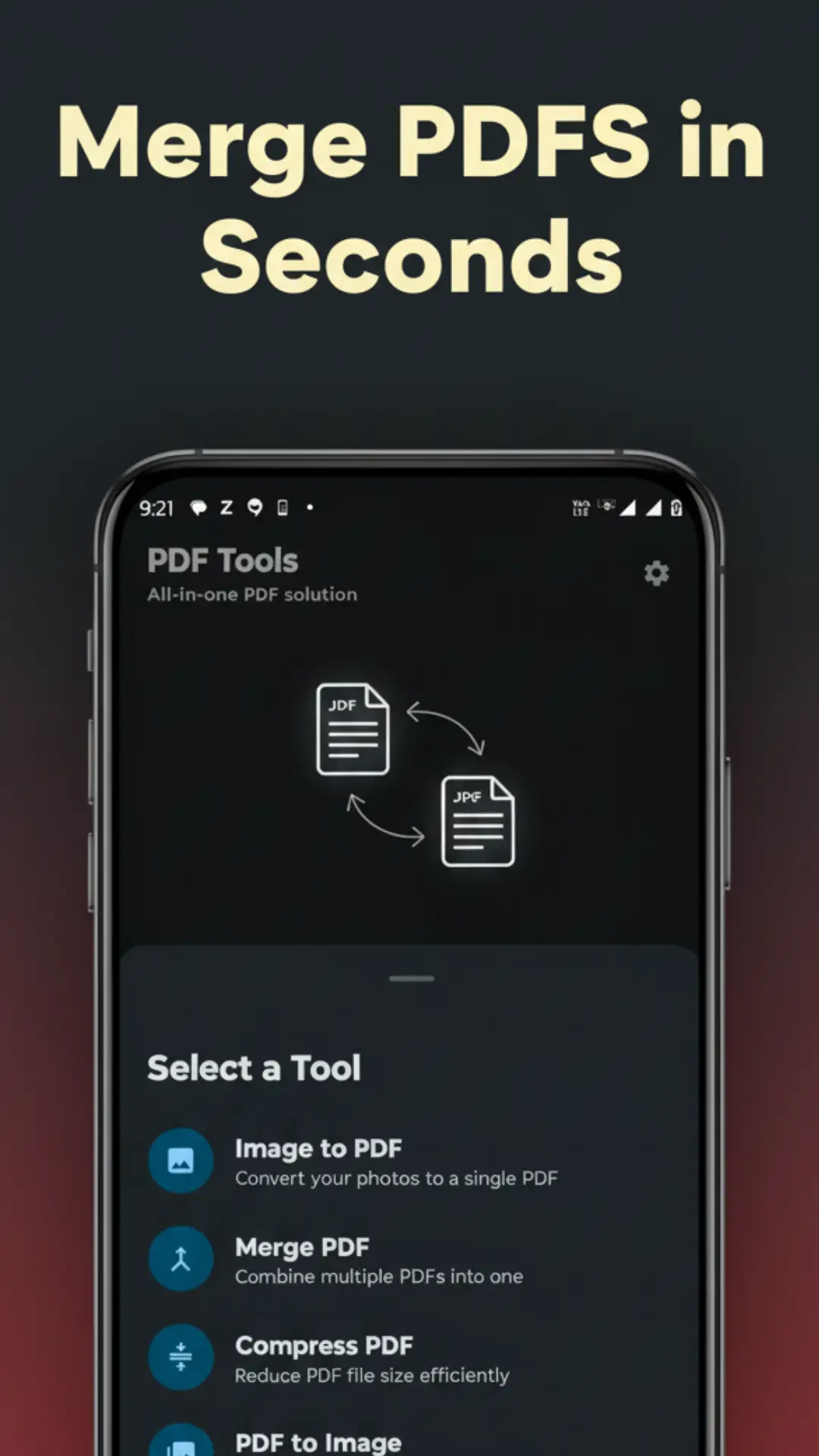
PDF Tools is a powerful all-in-one PDF app for Android designed to make document management quick, simple, and efficient. Easily convert images to PDF, merge multiple PDF files, compress large documents, convert PDFs to images, and view files — all within one lightweight and user-friendly app. Whether you are a student, working professional, or casual user, this app helps you handle PDF tasks smoothly.
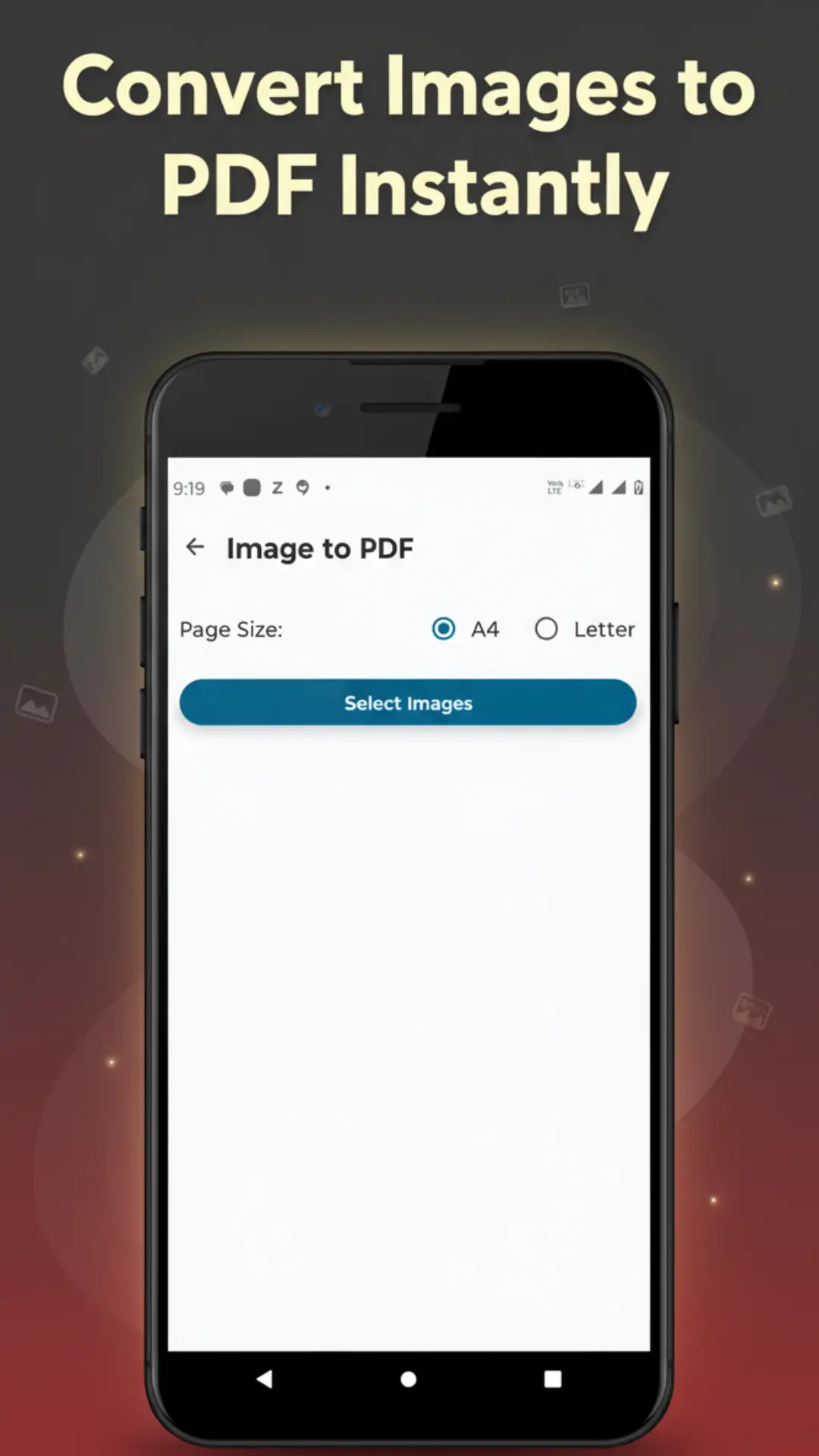
With the Image to PDF feature, you can quickly convert JPG, PNG, and other image formats into high-quality PDF files in just a few taps. Select single or multiple images and create professional documents for assignments, reports, or sharing.
The Merge PDF tool lets you combine multiple PDF files into a single organized document. You can arrange pages as needed and merge files like notes, contracts, or reports without any complexity.
Using the Compress PDF option, you can reduce the file size of large PDFs while maintaining good quality. This makes it easier to share files through WhatsApp, email, or online platforms while saving storage space.
PDF to Image converter allows you to extract pages from PDF files and save them as high-quality JPG images. This is useful for sharing specific pages, presentations, or visual content easily.
The built-in PDF Viewer offers a smooth and comfortable reading experience with easy zooming and scrolling. You can open and read all your PDF files without needing any additional apps.
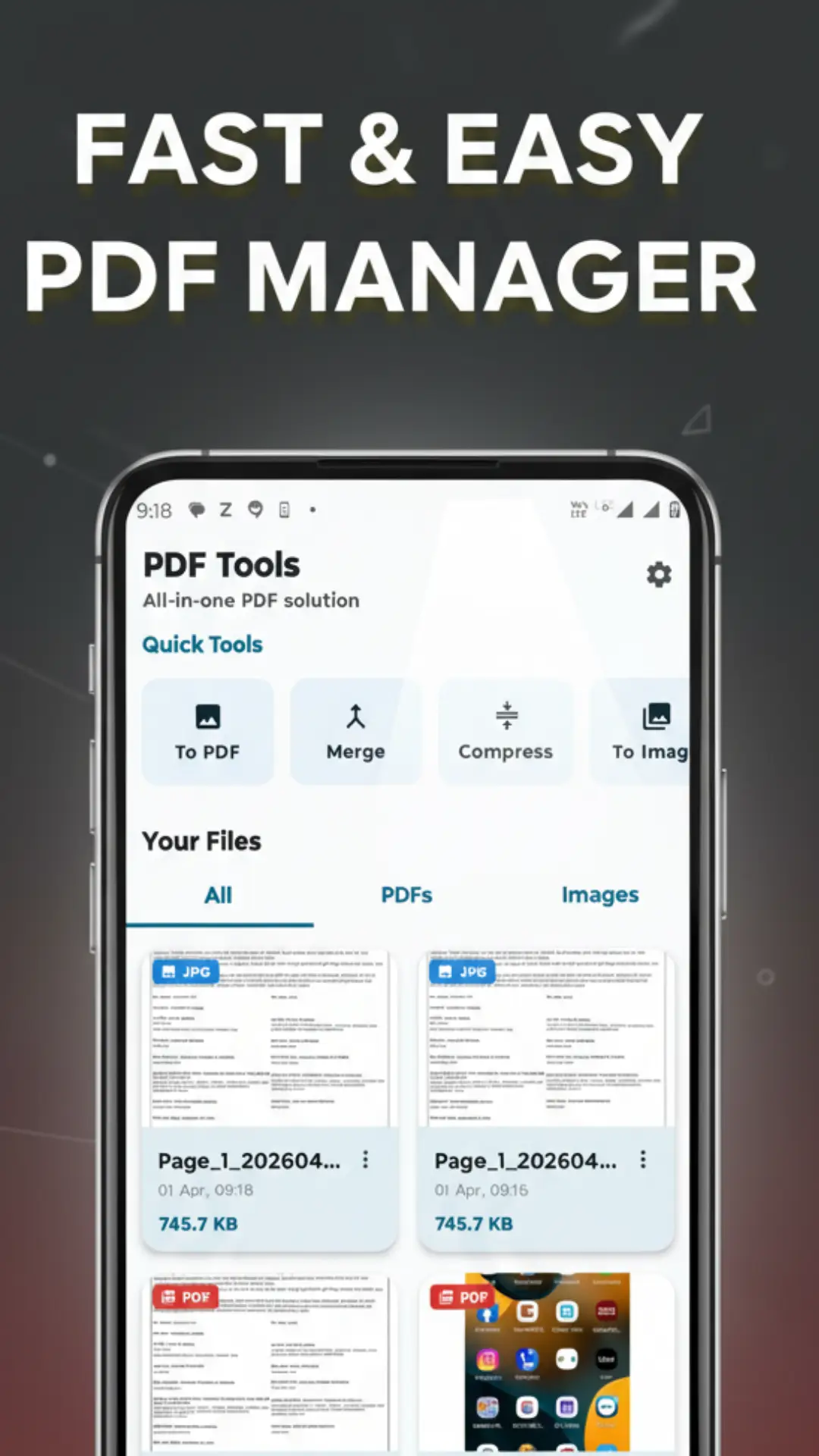
With the File Manager, all your created PDFs and images are stored in one place for easy access. You can view, rename, delete, or share files instantly using apps like WhatsApp, Gmail, or Google Drive.
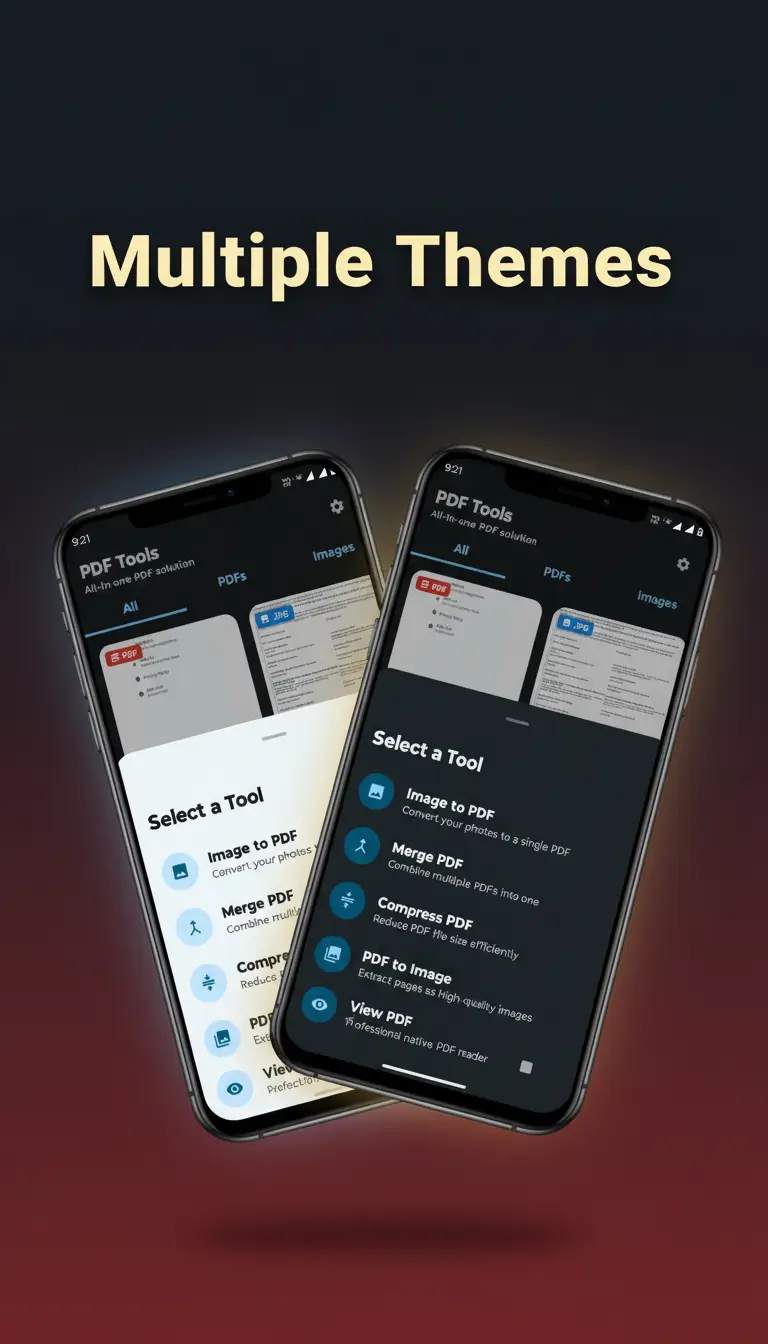
PDF Tools also supports both light and dark modes, providing a comfortable viewing experience whether you are using the app during the day or at night.
Why choose PDF Tools? It is free, fast, lightweight, and works completely offline. You don’t need multiple apps because everything is included in one clean and easy-to-use interface.
Using the app is simple: open PDF Tools, choose a feature, select your files, and perform actions like convert, merge, or compress instantly. Then save, rename, or share your files as needed.
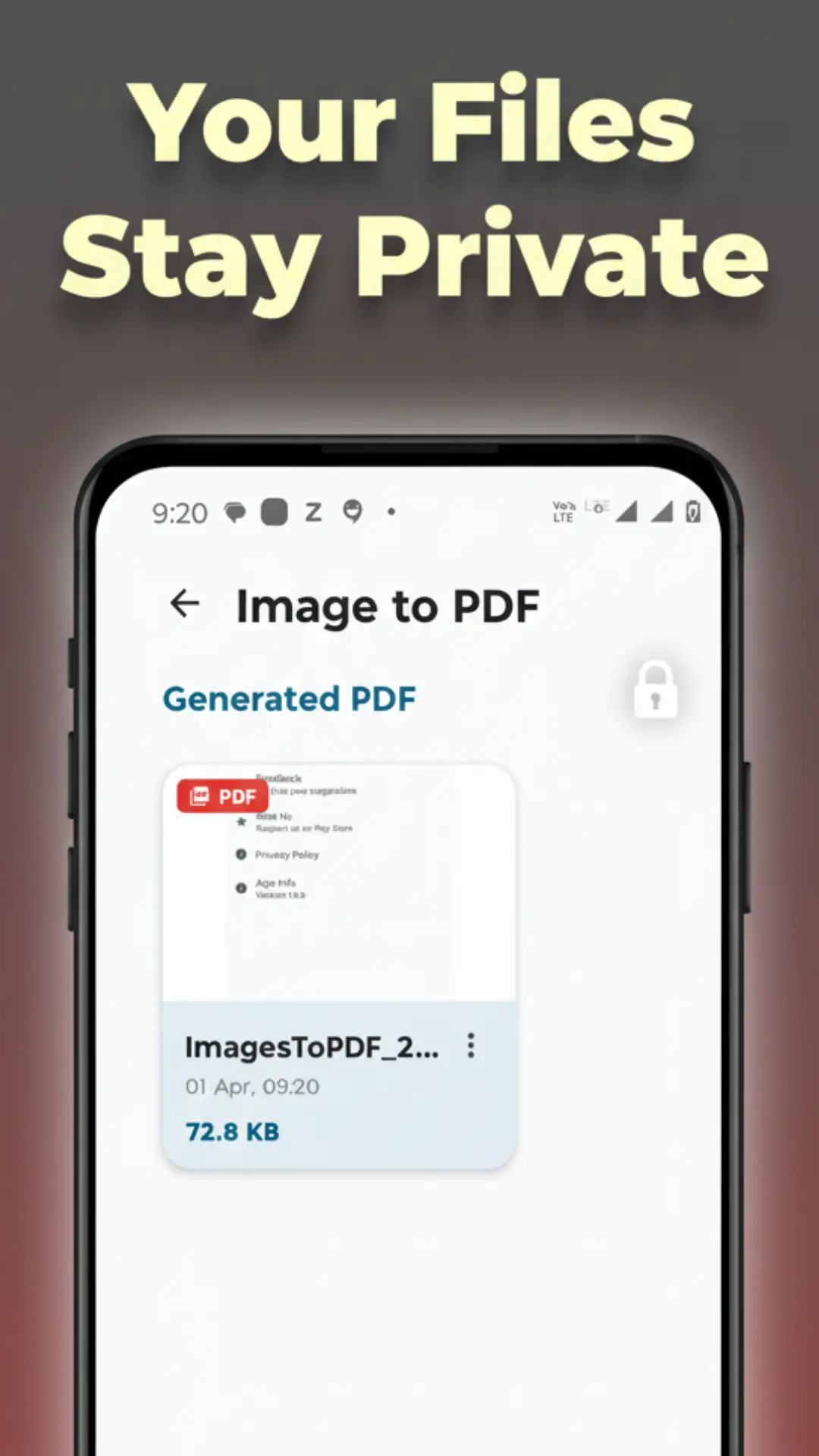
Your privacy is important. PDF Tools works fully offline, so your files stay on your device. No login is required and no personal data is collected.
Download PDF Tools today and get access to a complete PDF solution including image to PDF conversion, PDF merging, compression, PDF to image conversion, and secure file management in one app.